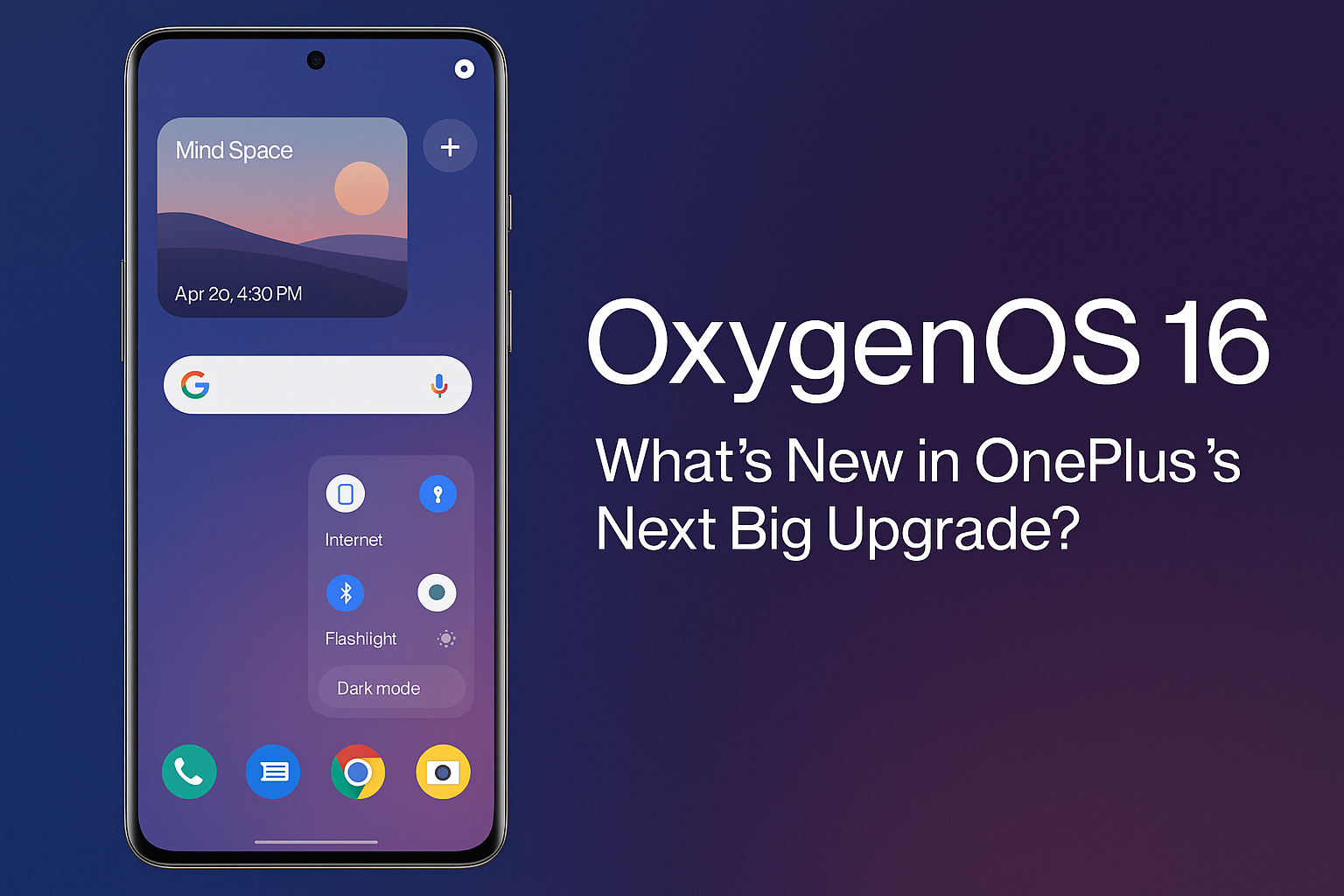
OxygenOS 16 is finally official, marking a major leap in OnePlus’s software journey. Built on Android 16, the new OxygenOS 16 update brings a fresh wave of AI-driven features, smoother performance, and smarter design elements that redefine the way users interact with their OnePlus devices. For years, OxygenOS has been celebrated for its clean interface and near-stock Android experience, but with OxygenOS 16, OnePlus takes things several notches higher — blending intelligence, customization, and fluidity into a single cohesive package.
In this article, we’ll explore everything new in OxygenOS 16, including its standout features, visual redesign, AI tools, eligible devices, rollout details, and how it compares to previous versions.
Table of Contents
🔹 OxygenOS 16 – A Smarter, Smoother, and More Personal Experience
The new OxygenOS 16 is not just a cosmetic upgrade — it’s a complete ecosystem refresh that focuses on AI integration, fluid animations, and user privacy. OnePlus has aimed to make the software more human-like, where your phone understands your context, assists intelligently, and feels more alive with every interaction.
A major highlight of OxygenOS 16 is AI Mind Space, a centralized hub that captures and organizes everything you see or do on your phone — from screenshots to copied text — allowing seamless access later. Pair that with the new Plus Key, and you can instantly open Mind Space or trigger Gemini AI actions with a single press.
The result is a system that not only looks beautiful but also anticipates your needs — something that makes OxygenOS 16 a true evolution from its predecessors.
🔹 Design and Visual Changes in OxygenOS 16
When you first install OxygenOS 16, the changes in the design language are instantly noticeable. The interface now uses a liquid-glass aesthetic — soft transparency, gentle blur, and subtle motion effects that make transitions feel organic. Icons are more uniform, adaptive themes have been expanded, and wallpapers dynamically adjust according to your time of day.
Lock screen customization has also seen a big improvement. You can now change clock styles, move widgets, and even add interactive elements. The Quick Settings panel has been redesigned to make tiles more functional and easier to reach. Plus, OxygenOS 16 introduces new widgets, allowing live updates for weather, tasks, and media playback right on your home screen.
OnePlus has also fine-tuned animations with its Flow Motion Engine, making app transitions smoother and faster. Every scroll, swipe, and tap feels intuitive and responsive — something that has always been a hallmark of OxygenOS, now perfected in OxygenOS 16.
🔹 AI Features: The Heart of OxygenOS 16
If design is the soul, AI is the brain of OxygenOS 16. OnePlus has gone all-in with artificial intelligence, integrating it deeply across the system to simplify daily usage. Here’s what you can expect:
1. AI Mind Space
This is your digital memory vault. Everything you copy, view, or capture gets stored in the Mind Space, allowing you to revisit and organize information quickly. For instance, if you read an article and want to summarize it later, you can find it in Mind Space and ask Gemini AI to generate a quick summary.
2. AI Writer and AI Assistant
Whether you’re drafting an email, writing captions, or summarizing notes, the new AI Writer helps you generate high-quality content instantly. It’s context-aware and integrated system-wide, so you can access it from any app or text field.
3. AI Recorder and Transcription
OxygenOS 16 introduces real-time audio transcription. You can record meetings, interviews, or lectures and get instant text summaries — with timestamps and speaker differentiation.
4. Gemini Integration
The update brings deep integration with Google Gemini, allowing AI-powered suggestions, content generation, and task automation. Simply select text or images and use Gemini to summarize, analyze, or create follow-ups — all without leaving your current screen.
5. AI Scheduling and Smart Suggestions
From suggesting when to charge your phone before travel to predicting your work patterns, OxygenOS 16 learns and adapts. It even provides smart reminders and schedules based on your calendar and location data — always keeping your digital life organized.
🔹 Performance and Battery Optimizations
Performance has always been OnePlus’s strongest suit, and OxygenOS 16 keeps that legacy alive. Thanks to the Parallel Processing 2.0 engine, multitasking is smoother than ever. Apps resume instantly, background processes are intelligently managed, and animations flow seamlessly between tasks.
Battery life also gets a major upgrade through AI Smart Charging, which learns your charging habits to extend battery health. For gamers, HyperBoost Engine dynamically allocates system resources, reducing frame drops and touch latency — perfect for titles like BGMI or Genshin Impact.
Moreover, OxygenOS 16 is lighter on system resources, meaning even older OnePlus models should see improved speed and responsiveness after updating.
🔹 Privacy and Security Enhancements
In today’s data-driven world, privacy is a top priority, and OxygenOS 16 introduces robust measures to keep user data safe. The new Private Computing Cloud ensures that sensitive information like passwords, images, and biometrics are processed locally or within a secure, encrypted environment — never sent to external servers.
Additionally, the system comes with App Sandbox Controls, allowing users to limit what data third-party apps can access. You can now monitor app permissions in real-time and receive alerts if suspicious activity is detected.
Auto Pixelate 2.0 has been enhanced as well — blurring sensitive details like contact info or credit card numbers in screenshots with one tap.
🔹 Cross-Device Ecosystem and Connectivity
OxygenOS 16 aims to make the OnePlus ecosystem more unified. With improved Cross-Device Sync, users can now seamlessly transfer files, share clipboards, and even control other devices like tablets or PCs directly from their phones.
OnePlus has also enhanced Pairing with Smartwatches (including Apple Watch support), introduced Nearby Sharing 2.0, and improved OnePlus Cloud integration. These features bring OxygenOS 16 closer to a fully connected ecosystem like Apple’s iCloud or Samsung’s One UI experience.
🔹 Eligible Devices and Rollout Schedule
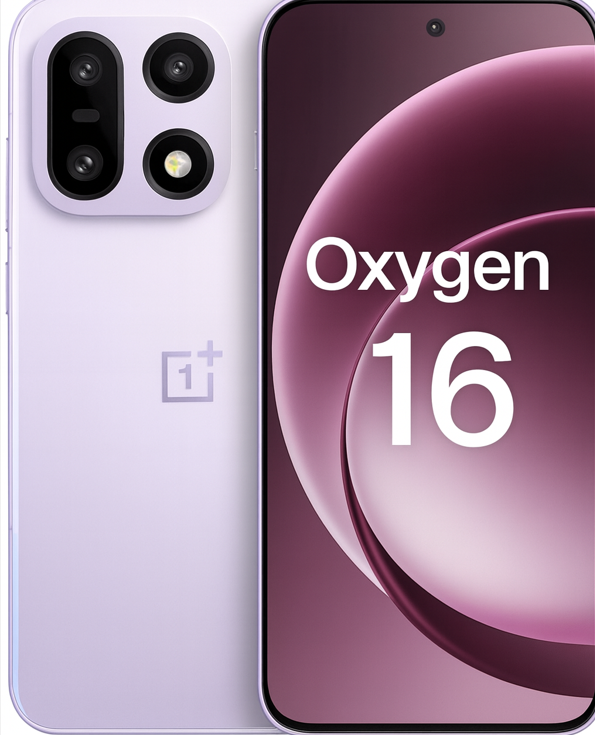
As of October 2025, OxygenOS 16 has been confirmed for a wide range of OnePlus devices. The rollout will occur in phases:
- Wave 1 (November 2025): OnePlus 13, 13R, OnePlus 12, 12R, OnePlus Open, OnePlus Pad 2
- Wave 2 (December 2025): OnePlus 11, 11R, Nord 5, Nord 4, Nord CE 5
- Wave 3 (Q1 2026): OnePlus 10 Pro, Nord CE 4, and older Nord models
The OnePlus 15 series will ship with OxygenOS 16 out of the box.
Users can expect beta releases before the official OTA update, starting in late October 2025 for flagship devices.
🔹 OxygenOS 16 vs OxygenOS 15 – What’s Different?
Compared to OxygenOS 15, the latest version focuses more on AI-driven intelligence and fluid design. The Mind Space, Gemini integration, and Plus Key are entirely new, while customization options and security have received massive upgrades.
The system also performs better in multitasking and battery management, offering up to 10% improved endurance and 20% faster app load times. Essentially, OxygenOS 16 is what OxygenOS 15 aimed to be — smarter, faster, and more elegant.
🔹 Final Thoughts – Is OxygenOS 16 Worth the Upgrade?
Absolutely. OxygenOS 16 represents a perfect blend of design simplicity and intelligent innovation. From its AI Mind Space to enhanced privacy tools and smoother performance, every aspect feels purpose-built for the modern smartphone era.
If you’re a OnePlus user who values speed, cleanliness, and personalization, OxygenOS 16 is a must-try. It’s not just an Android skin anymore — it’s a smart companion that understands how you use your device and makes every moment more efficient.
✅ Conclusion
OxygenOS 16 proves that OnePlus hasn’t lost touch with what made it special — performance, simplicity, and community-driven design. With a focus on AI, privacy, and ecosystem connectivity, it pushes OnePlus into a new era of intelligent Android experiences.
The next time you unlock your phone, it won’t just respond — it’ll understand.